
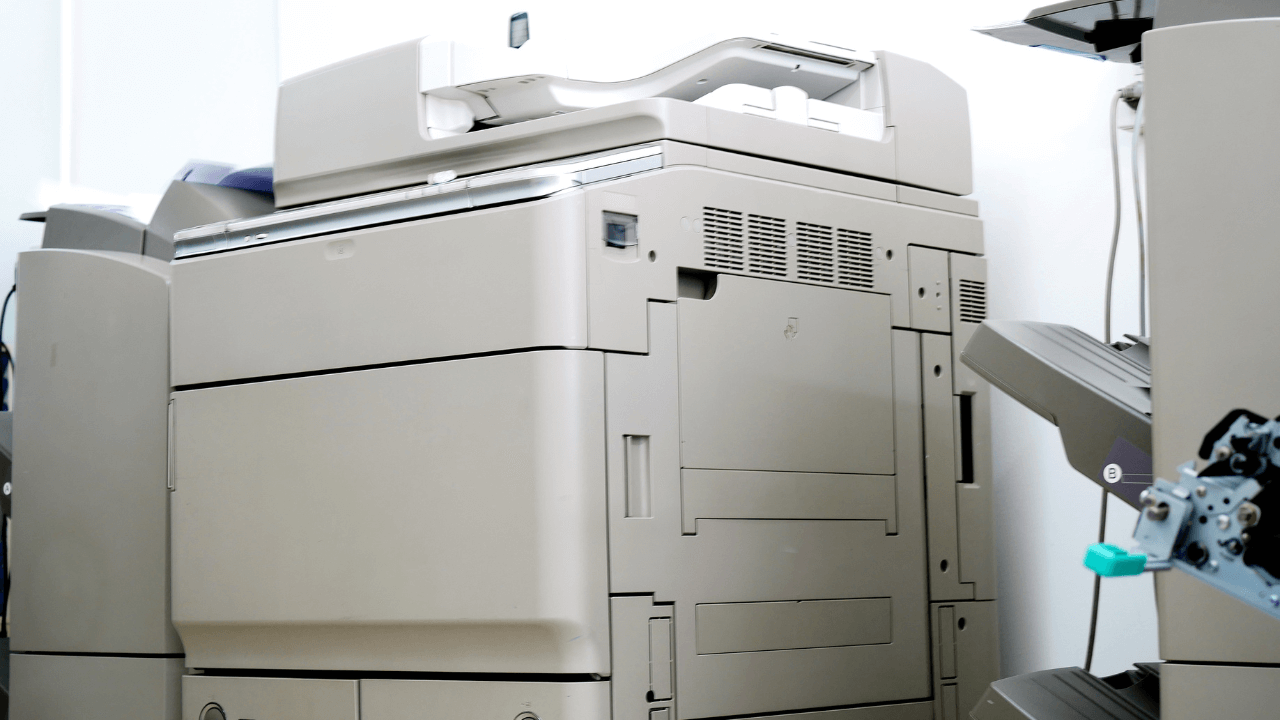
Maintaining Your Photocopier for Optimal Performance: Essential Tips
A well-maintained photocopier ensures seamless operations, reduces downtime, and extends the machine’s lifespan. Here are some essential tips to keep your photocopier in top shape:
1. Regular Cleaning
Dust and debris can accumulate in the machine, affecting print quality and functionality.
- Clean the glass surface, feeder, and external parts with a lint-free cloth.
- Use a blower or vacuum to remove dust from internal components.
2. Use High-Quality Supplies
Always use manufacturer-recommended toner, paper, and other consumables. Low-quality supplies can damage the copier and void warranties.
3. Handle Paper Properly
- Store paper in a dry, cool place to prevent moisture damage.
- Fan the paper stack before loading to avoid jams.
- Use the correct paper size and type as specified by the copier’s manual.
4. Inspect and Replace Parts as Needed
- Check for worn-out rollers, belts, or cartridges regularly.
- Replace damaged or depleted parts promptly to prevent further issues.
5. Avoid Overloading the Copier
Stick to the recommended volume limits. Overworking the machine can lead to overheating and frequent breakdowns.
6. Update Firmware and Software
Ensure your copier’s software is updated to enhance performance and security.
7. Schedule Regular Maintenance
Professional maintenance helps identify potential issues early and ensures optimal functionality.
At Smart Copier Shop, we provide expert servicing and high-quality toner and parts for top brands like Ricoh, Xerox, and Konica Minolta. Keep your business running smoothly with our reliable products and support.