
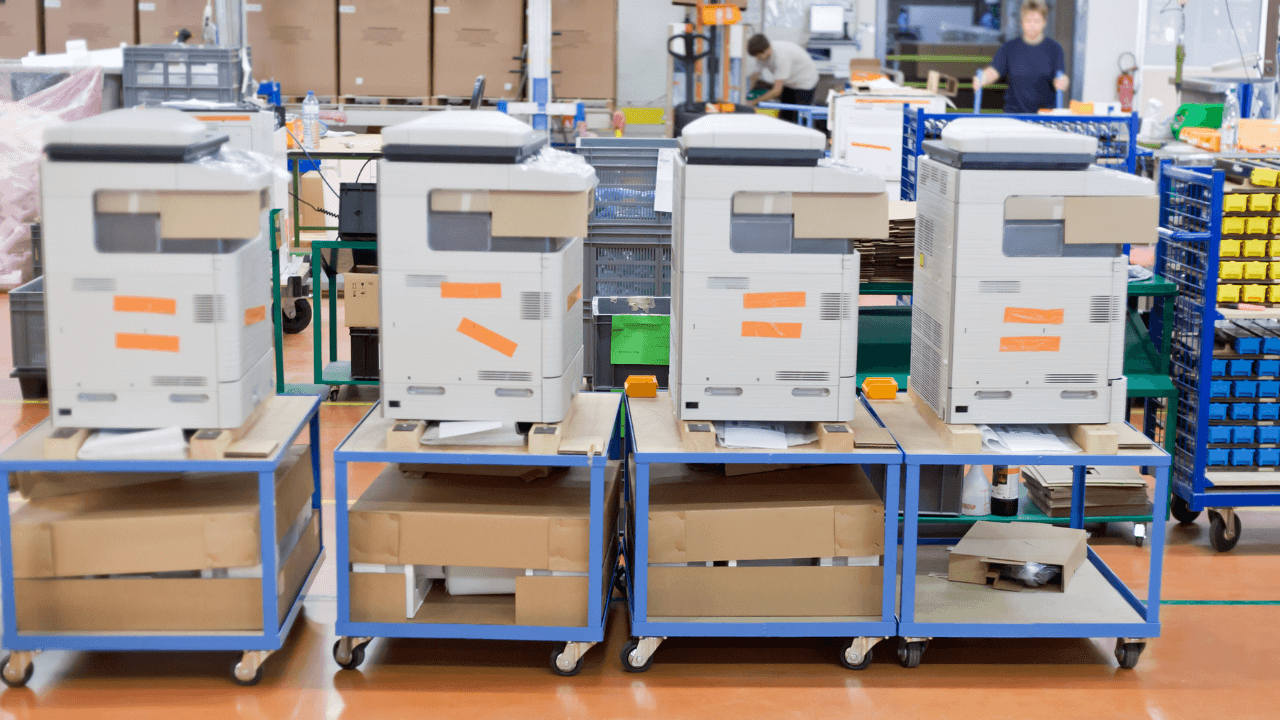
Choosing the Right Photocopier for Your Business: Key Factors to Consider
When it comes to choosing the right photocopier for your business, selecting the perfect machine can significantly impact productivity, cost-effectiveness, and overall workflow. Whether you run a small office or a large organization, the photocopier you choose will play a vital role in ensuring smooth operations. With the variety of models and features available in today’s market, it can be overwhelming to make a decision. To help you navigate this process, here are the key factors to consider when choosing the ideal photocopier for your business.
1. Determine Your Business Needs
Before diving into the technical specifications, the first step is to assess your business’s needs. The type of business you run and the volume of copying and printing you do will heavily influence your choice. Consider the following questions:
How often do you need to copy documents?
If your business handles a high volume of documents, you may need a high-speed, heavy-duty copier.What is the average number of pages you copy per day or month?
Businesses that need to produce thousands of copies per month should opt for machines designed for high-volume use.What additional features do you need?
Do you need a machine that can handle scanning, printing, or faxing? Multifunction printers (MFPs) combine several functions in one device, saving space and cost.
2. Print and Copy Volume
One of the most important factors to consider is the print and copy volume your business requires. Photocopiers are generally categorized into two main types based on their monthly duty cycles: low-volume and high-volume copiers.
Low-Volume Copiers: Ideal for small businesses with modest copying needs. These are typically designed for handling 5,000 pages or less per month.
High-Volume Copiers: Suitable for larger businesses or organizations that require heavy-duty copiers. These machines can handle more than 10,000 copies per month and are built to work long hours without frequent breakdowns.
If you expect significant copying or printing demands, opt for a copier with a higher page-per-minute (ppm) rate to improve efficiency and avoid downtime.
3. Speed (Pages Per Minute)
The speed of the photocopier is crucial in a fast-paced business environment. The pages per minute (ppm) rate indicates how quickly the machine can print or copy documents.
For businesses that need to produce large quantities of documents quickly, a machine with a higher ppm (e.g., 30-60 ppm) is beneficial.
For smaller businesses or occasional use, a copier with a moderate ppm (e.g., 20-30 ppm) is often sufficient.
Faster copiers reduce wait times and increase overall office productivity, especially in environments where time is a critical factor.
4. Cost of Ownership and Budget
Photocopiers can be a significant investment, so it’s essential to evaluate both the upfront cost and long-term operating costs. The total cost of ownership includes:
Initial Purchase Price: The cost of the copier itself can vary greatly depending on the brand, model, and features. For example, multifunction printers (MFPs) that offer printing, scanning, and faxing capabilities will generally cost more than a basic photocopier.
Maintenance and Repairs: Consider the cost of maintaining the machine, including regular servicing and repair needs. Some brands offer extended warranties or service packages that help control these costs.
Toner and Supplies: Toner cartridges and paper can add to the operational cost of your photocopier. Some machines may be more efficient in terms of ink usage, while others may have higher consumable costs.
It’s essential to balance quality and features with your business’s budget to ensure that the machine fits within your financial capabilities.
5. Size and Space Requirements
The physical size of the copier is another important consideration. Multifunction printers and copiers with additional features tend to be bulkier. Before making a purchase, make sure you have enough office space for the machine.
If space is limited, consider compact or desktop models that still offer sufficient functionality for your needs.
For larger offices or dedicated print rooms, high-volume, floor-standing copiers with more robust features may be ideal.
6. Multifunction Capabilities (MFP)
Today’s photocopiers are more than just copying machines. Multifunction printers (MFPs) combine several key office functions into one device, including:
- Scanning
- Faxing
- Printing
- Emailing
If your business requires more than just photocopying, investing in an MFP can save both space and money. MFPs reduce the need for multiple devices and streamline office processes. For example, instead of having separate copiers, printers, and scanners, a multifunction copier can handle all of these tasks, increasing efficiency and reducing the overall cost of equipment.
7. Connectivity and Compatibility
In today’s digital age, a photocopier’s ability to connect with other devices and the network is crucial for smooth operations. Look for features such as:
- Wi-Fi or Bluetooth connectivity for wireless printing.
- Mobile Printing options that allow employees to print directly from their smartphones or tablets.
- Cloud Integration for easy access to documents from anywhere and the ability to print from cloud-based storage services like Google Drive or Dropbox.
Additionally, check if the copier is compatible with your existing office software and IT infrastructure to avoid any compatibility issues.
8. Security Features
With the increasing importance of data privacy, security is a top priority for businesses when selecting a photocopier. Photocopiers store data in their hard drives, and unauthorized access to that data can lead to serious security breaches. Key security features to consider include:
- Data encryption to protect sensitive information.
- User authentication and password-protected access to control who can use the copier.
- Audit logs to track usage and detect potential misuse.
- Secure print release to ensure that sensitive documents are not left unattended in the output tray.
Investing in a copier with strong security features will protect your business’s confidential information and comply with data protection regulations.
10. Environmental Considerations
Many businesses are increasingly concerned with environmental sustainability. Opting for an energy-efficient copier can help reduce your carbon footprint and cut energy costs. Look for features such as:
- Energy Star certifications, which indicate that the copier meets strict energy efficiency standards.
- Eco-friendly print modes: Many modern copiers have settings that reduce energy consumption when not in use.
Conclusion
Choosing the right photocopier for your business requires careful consideration of various factors, including your volume needs, budget, space, and the desired features. By assessing these key aspects, you can select a copier that fits your specific requirements, enhances office productivity, and supports long-term business growth. Whether you need a basic photocopier or a multifunction device with advanced features, Smart Copier Shop offers a wide range of high-quality machines that can cater to businesses of all sizes.
If you need assistance in selecting the right photocopier, our team of experts at Smart Copier Shop is here to help. Contact us today to explore our range of photocopiers and printers, tailored to meet your business’s needs.