
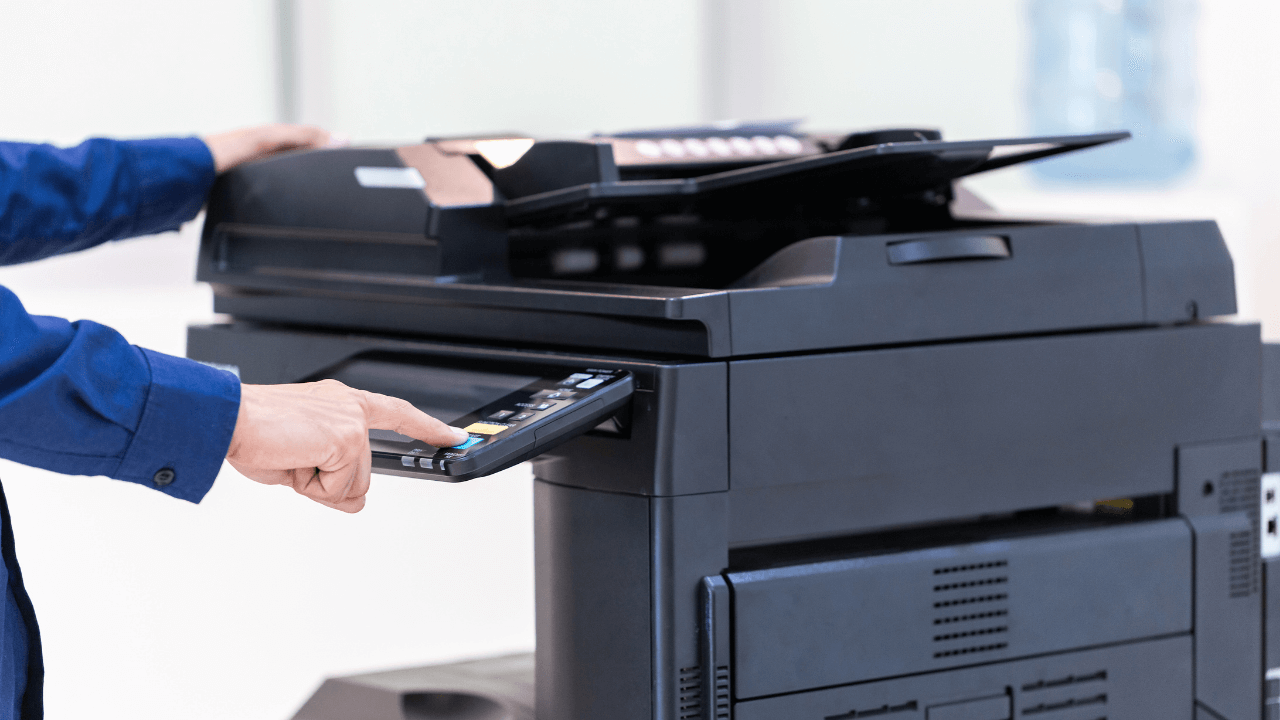
How to Maximize the Lifespan of Your Printer: Tips for Businesses
Printers are essential tools for businesses, and ensuring their longevity can save significant costs on repairs and replacements. Here are practical tips to help businesses maximize the lifespan of their printers.
1. Use Genuine Supplies
Always use original toner cartridges and parts. Genuine supplies, like the RICOH and Xerox toners offered by Smart Copier Shop in Karachi, are designed specifically for your printer model, ensuring optimal performance.
Benefits:
- Reduced wear and tear
- Better print quality
- Lower risk of damage
2. Regular Cleaning and Maintenance
Dust, paper debris, and toner buildup can cause printer malfunctions. Schedule regular cleaning of both the exterior and interior components.
Maintenance Tips:
- Use a lint-free cloth for cleaning.
- Clean the rollers and paper feed areas to prevent jams.
- Follow the manufacturer’s maintenance guidelines.
3. Avoid Overloading Paper Trays
Overloading trays can lead to paper jams and damage to the paper feed system. Always stick to the recommended paper capacity.
Pro Tip:
Use the correct paper type and size for your printer to avoid feeding issues.
4. Update Firmware and Drivers
Keeping your printer’s software up-to-date ensures it operates efficiently and can handle new tasks and formats.
Why It Matters:
- Fixes bugs and performance issues
- Improves compatibility with updated systems
5. Use Power Saving Features
Printers often have power-saving modes that reduce wear on internal components. Enable these features during idle periods.
Energy Efficiency Tips:
- Turn off the printer after hours.
- Use sleep mode during breaks.
6. Handle Paper Properly
Improperly stored or low-quality paper can cause jams and damage internal components. Store paper in a cool, dry place and use high-quality stock.
7. Get Professional Servicing
Schedule periodic servicing by professionals, especially for high-volume printers. Smart Copier Shop provides maintenance services for various models, including Ricoh and Konica Minolta machines.
Benefits of Professional Service:
- Detects potential issues early
- Extends the printer’s life
- Maintains optimal performance